

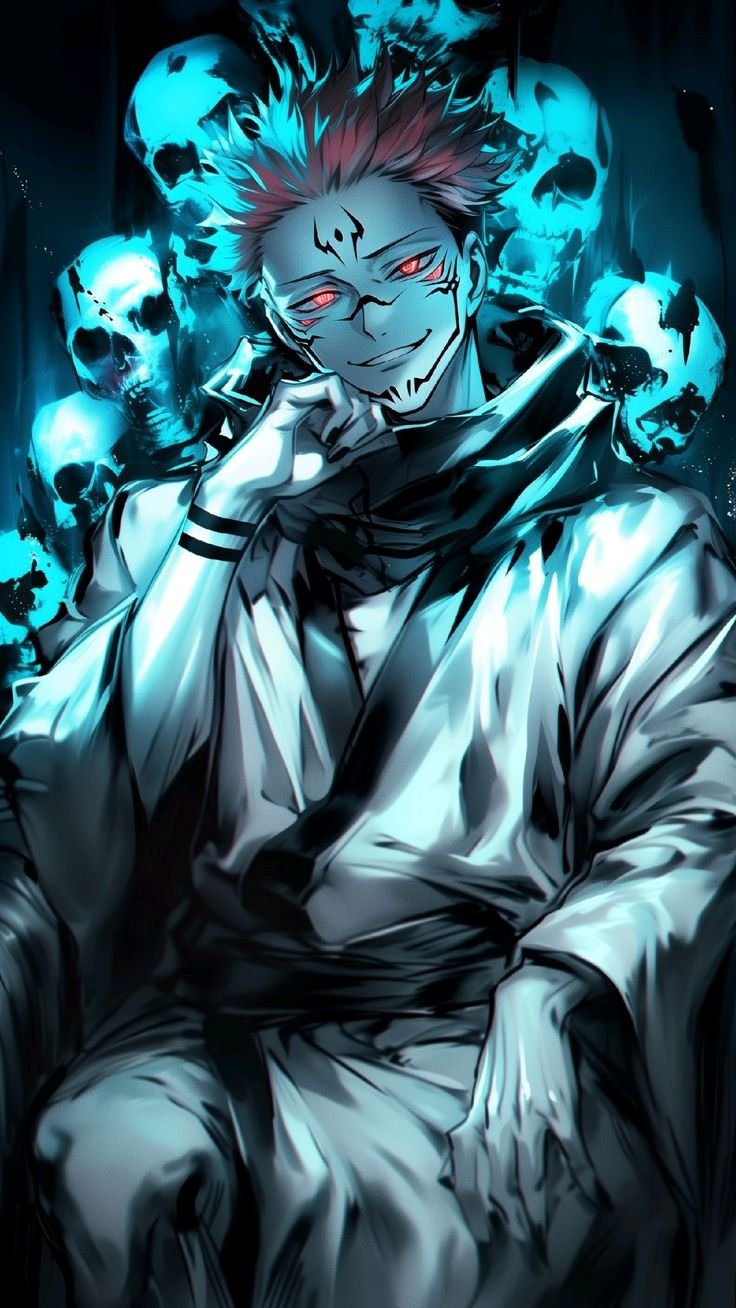
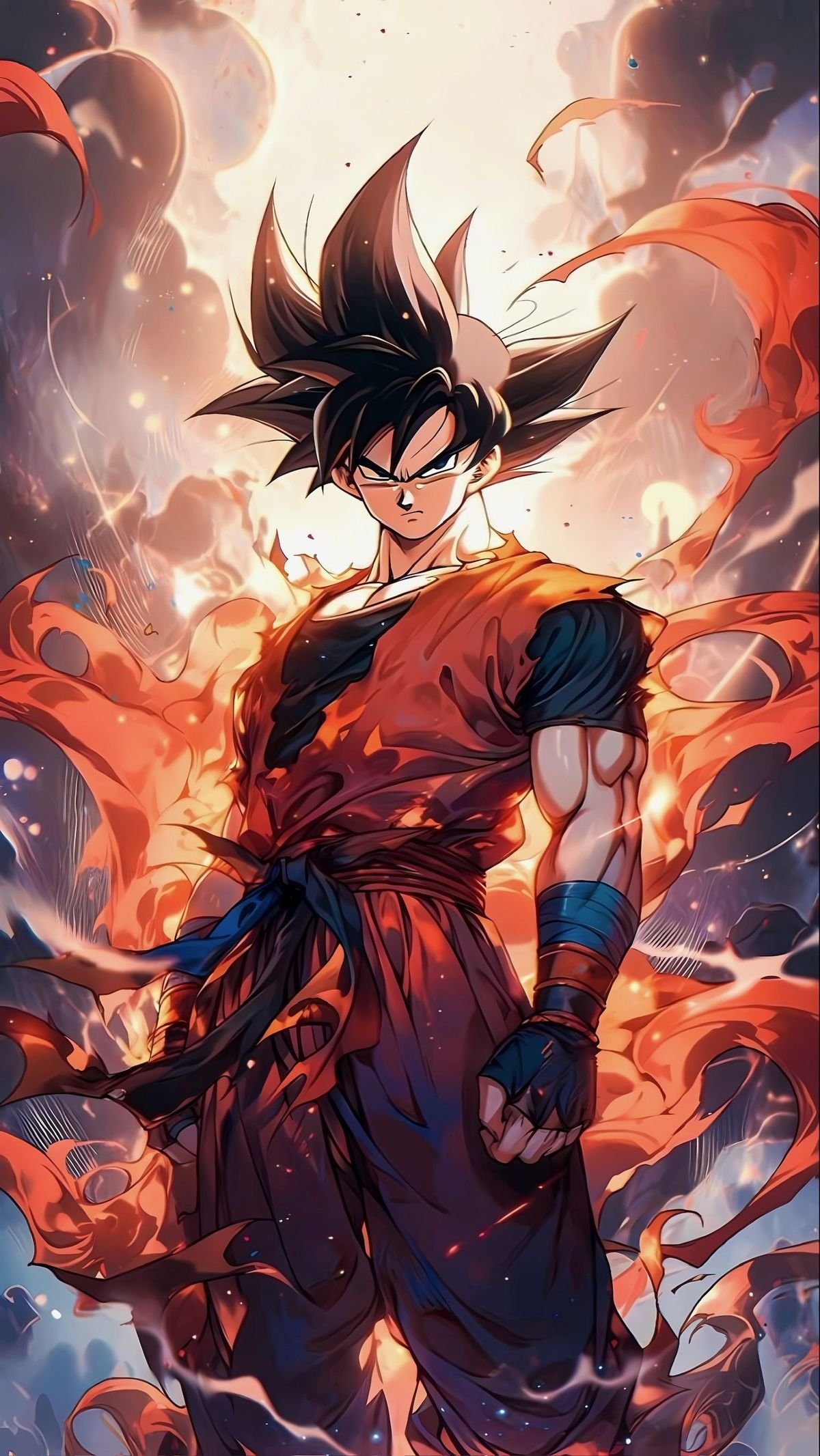
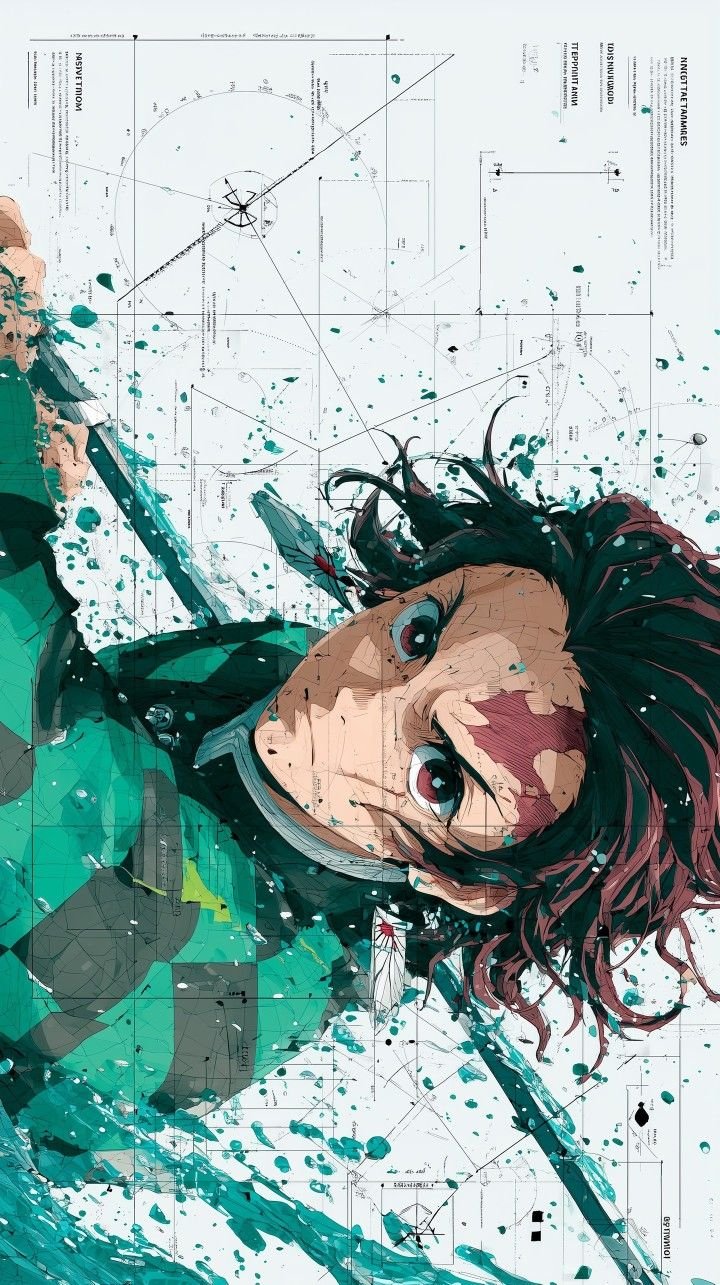
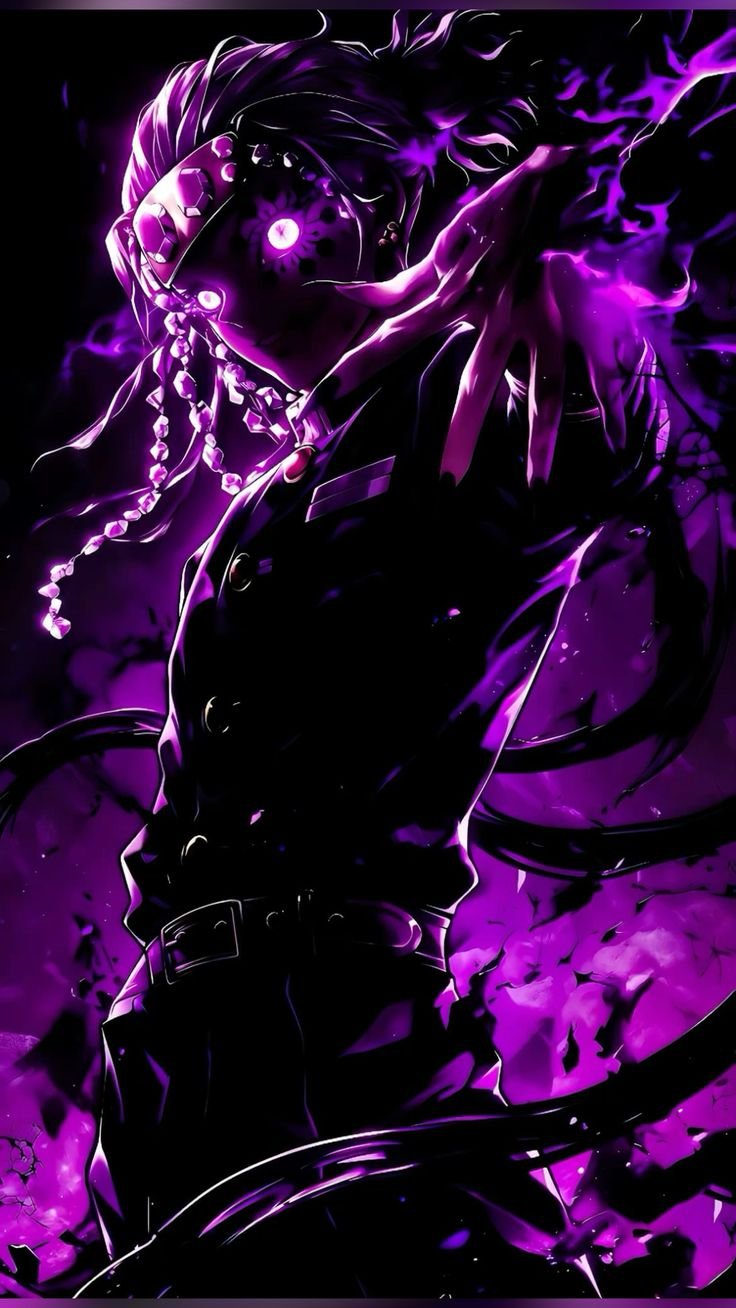
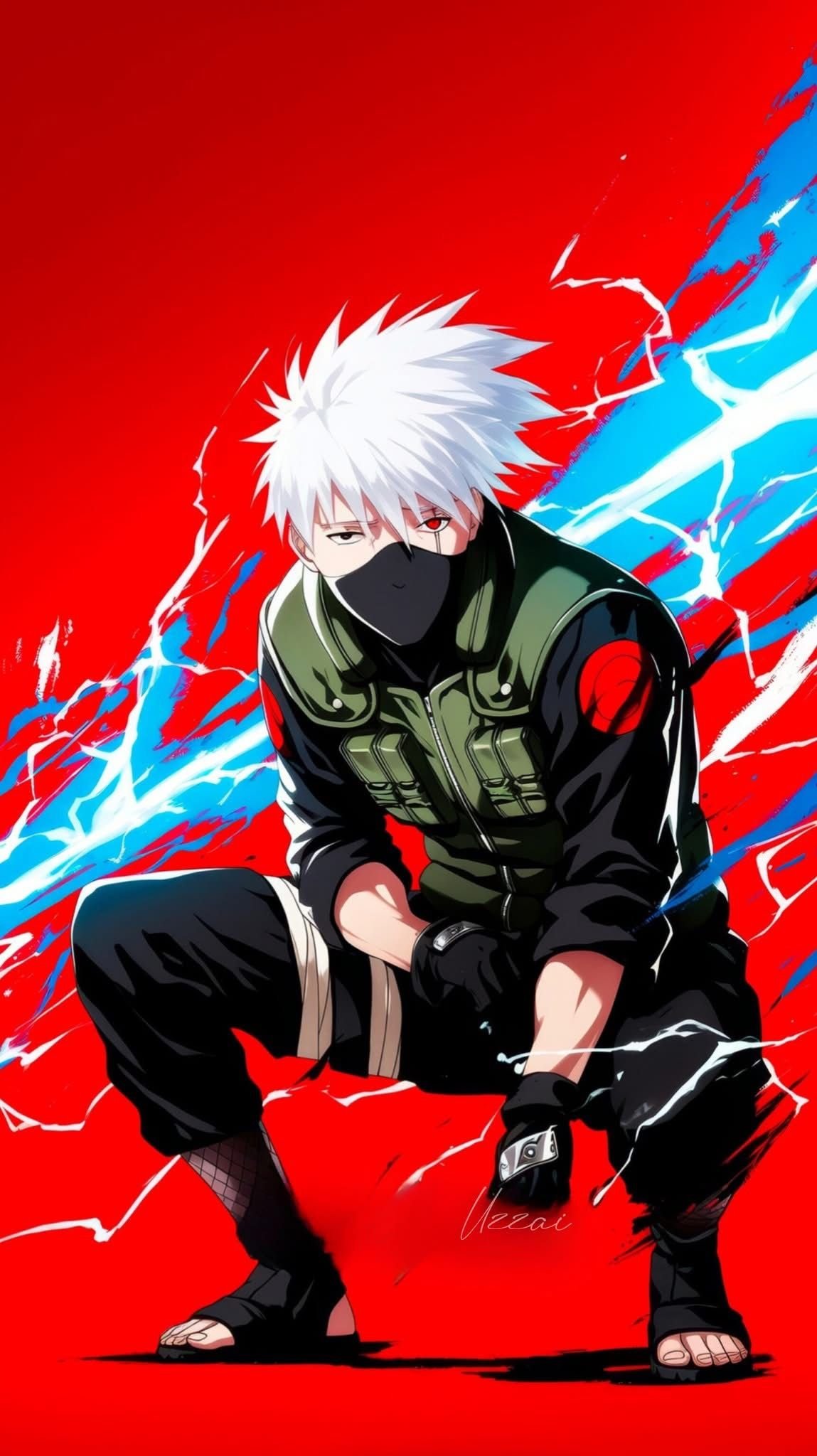
 1149×2048
🎬 Hero Slider
Live 4K Anime Wallpapers
Cinematic wallpapers for iPhone
Editor picks this week
True black wallpapers
Live animated wallpaper
Live animated wallpaper
Live animated wallpaper
Live animated wallpaper
Live animated wallpaper
Trending Wallpapers
Top 10 right now
Latest Wallpapers
Fresh drops just published
1149×2048

📚 Collections
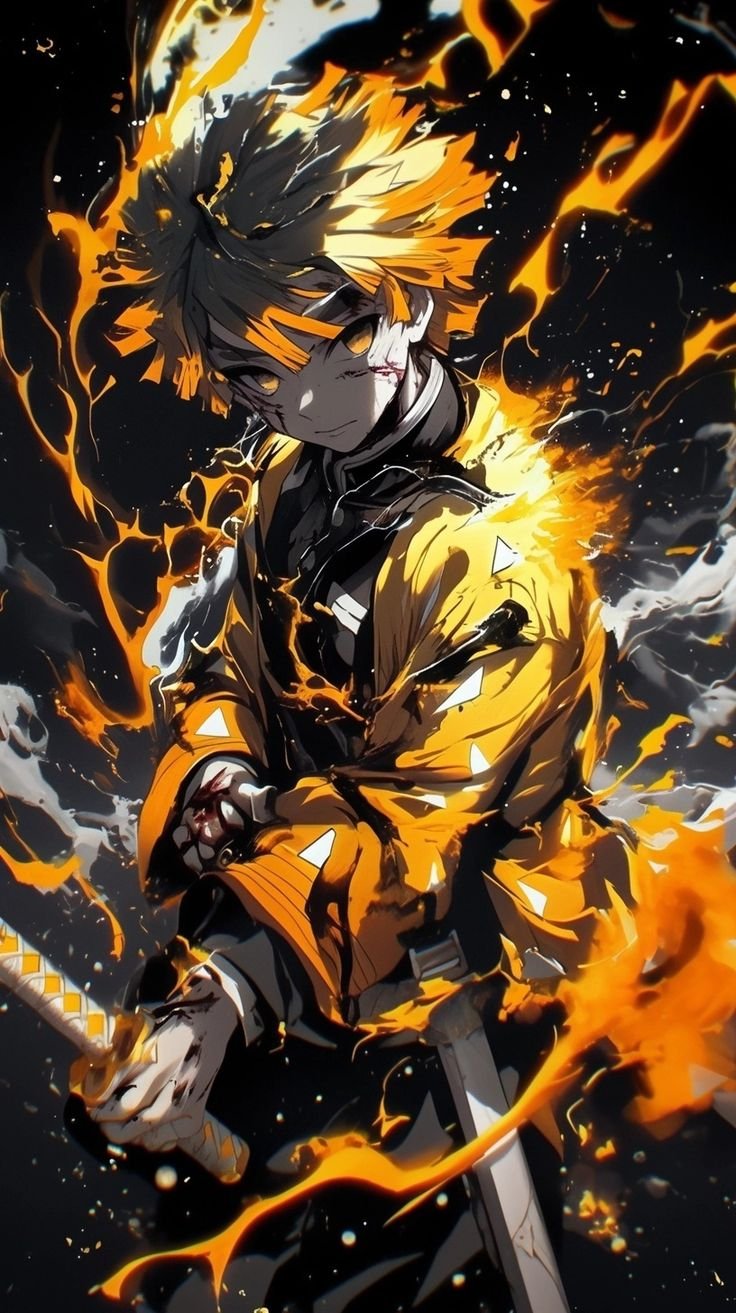
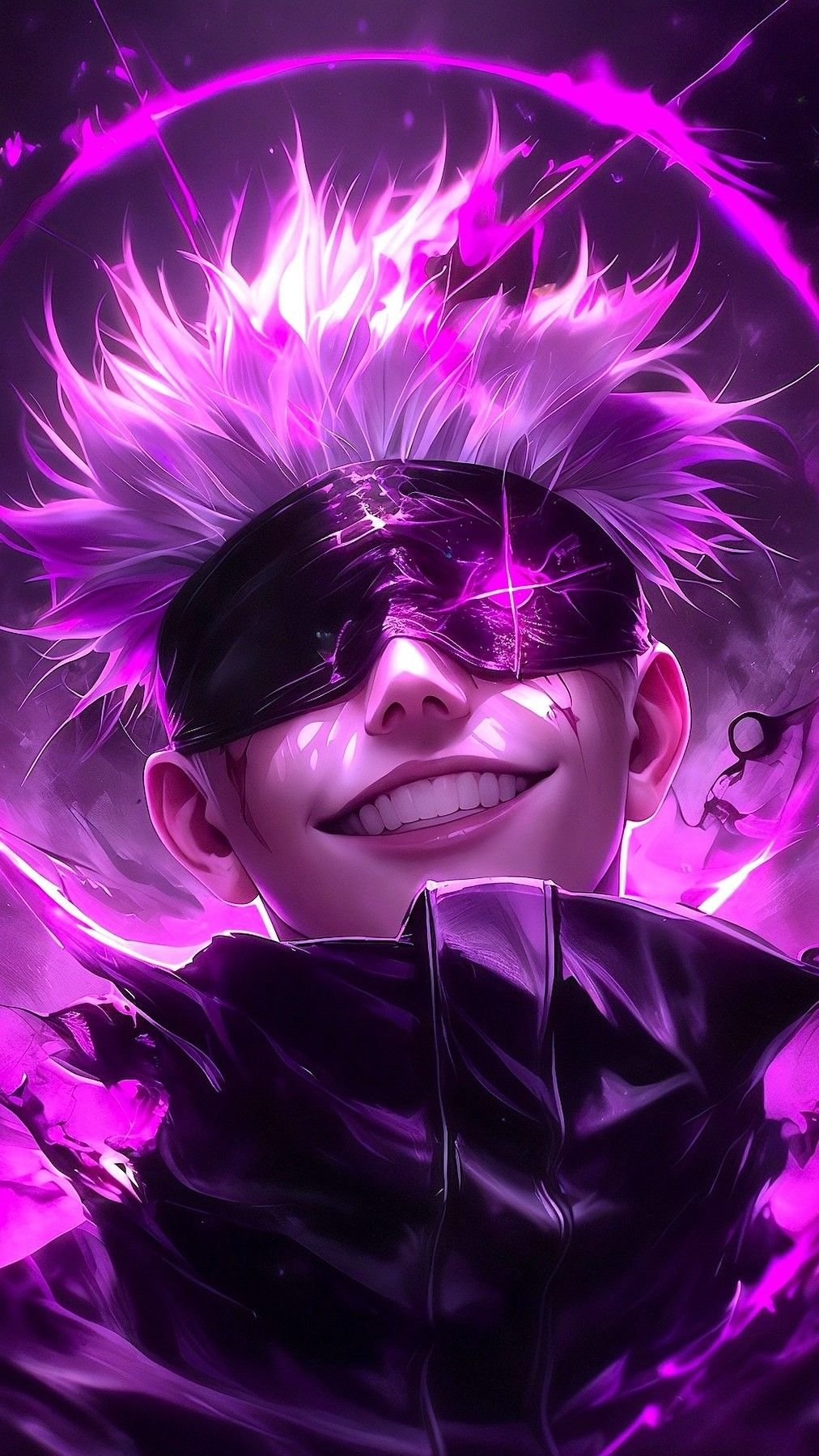
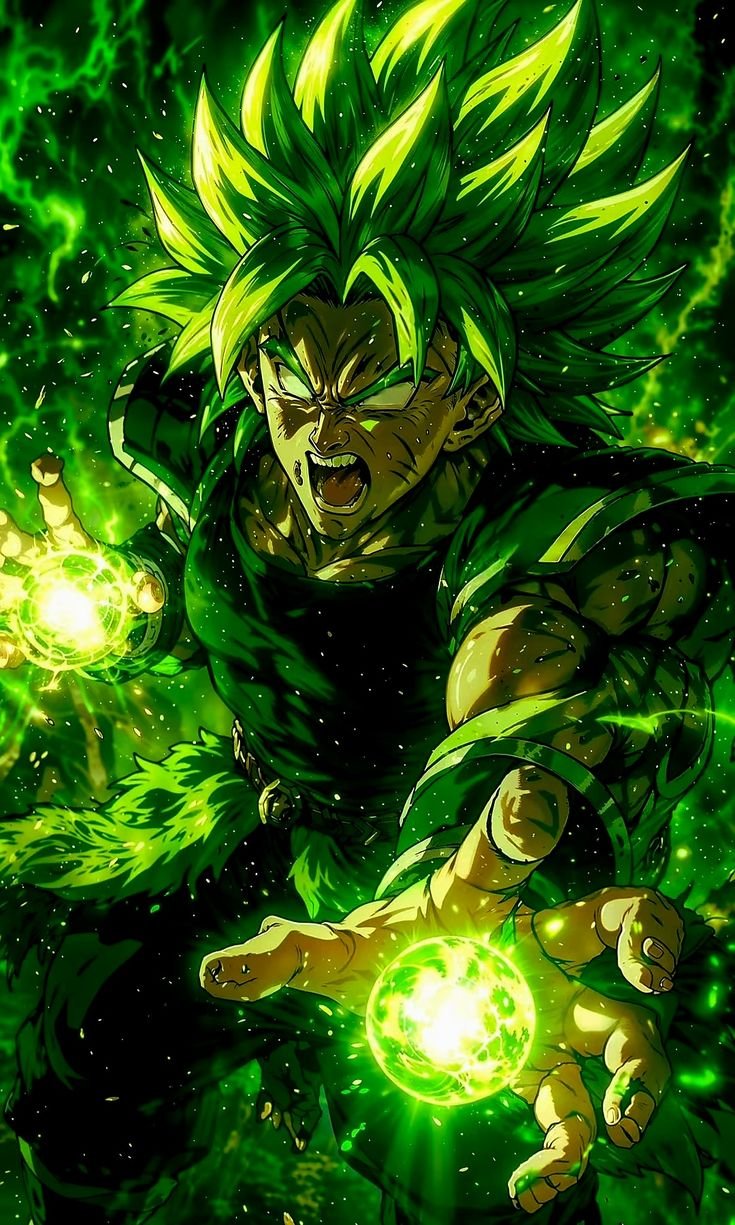
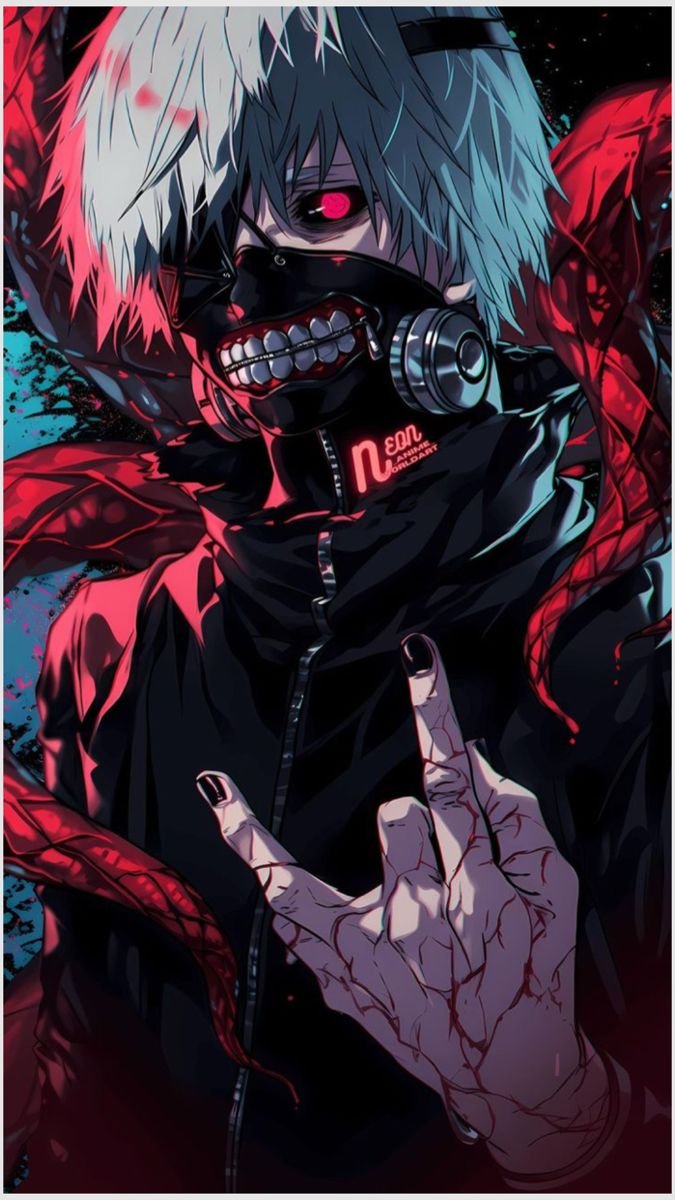

🏷️ Categories
Wallpaper of the Day
Live Wallpapers
Animated loops · tap to preview
AMOLED

Anime Girls

📱 Get the App
Anime wallpaper guide
Anime4KWall is a free anime wallpaper library for phones, tablets, and desktops. Browse stills, dark/AMOLED-tagged files, and live loops — organized by series, character, and device so you can match what is actually in the catalog.
Each wallpaper page shows the source pixel size stored for that file. HD, Full HD, QHD, and 4K badges appear only when those dimensions are met. Smaller files show the real width × height instead of an upscaled label.
Wallpapers are grouped by category, tags, orientation, and themes such as live motion. Search by anime name, character, or style using the metadata we have — we do not invent series facts that are not stored on the file.
- Anime wallpapers for home screen and lock screen
- HD, Full HD, QHD, and 4K labels only when the source is that size
- Mobile, desktop, tablet, and AMOLED-tagged options when present
- Live / animated wallpapers alongside static images
- Character and series collections for faster browsing
Featured guides
Best Anime Wallpapers for iPhone in 4K
How to pick anime wallpapers that look sharp on iPhone — including when 4K helps and when Full HD is enough.
How to Choose a 4K Anime Wallpaper
A checklist for picking a 4K anime wallpaper that actually fits your screen instead of a huge file you never need.
4K vs 2K vs Full HD Wallpapers
Side-by-side: when Full HD is enough, when 2K is the sweet spot, and when 4K actually shows on screen.
Best AMOLED Anime Wallpapers
What makes an anime wallpaper AMOLED-friendly, and how to use dark art on OLED phones.
How to Set an Anime Wallpaper on iPhone
Step-by-step: download an anime wallpaper and set it on iPhone lock and home screens.
How to Set an Anime Wallpaper on Android
Download and apply anime wallpapers on Android home and lock screens.
Why Choose Anime4KWall?
High-resolution downloads
Download the original file. Extra Full HD, QHD, or 4K buttons appear only when this source is large enough to downscale — we do not invent a 4K file from a smaller image.
Organized collections
Browse by anime series, characters, visual style, or themes like dark anime and AMOLED — so related art stays easy to explore.
Device-friendly formats
Portrait files suit phones and lock screens; landscape works for desktop and ultrawide setups. Pick the orientation that matches your display.
Regularly updated catalog
New wallpapers and live loops are added over time so trending series and fresh styles keep appearing in Latest and Trending.
Easy discovery
Use search, categories, tags, and resolution filters to move from “I want something dark for my phone” to a download in a few taps.
Clear resolution choices
Each wallpaper page lists available size details when known, so you can choose a resolution that fits your phone, tablet, or monitor.
Frequently asked questions
What resolution should I choose for my phone?
Match the file’s real pixels, shown on the wallpaper page. Portrait HD (long side 1280+) is a practical phone starting point. Full HD, QHD, and 4K badges mean the stored source meets those sizes — a smaller file will not become 4K by downloading.
Are the wallpapers suitable for iPhone?
Portrait files in the catalog can be set from Photos after you download Original. Crop still depends on your notch. We do not claim every file is 4K.
Are the wallpapers suitable for Android?
Yes for portrait files: download Original, open it in your gallery, then set home or lock screen. Dark/AMOLED tags are catalog flags, not a promise about battery life.
Can I use these wallpapers on desktop?
Landscape files fit monitors. Use the listed width × height; pick 4K only when the source is actually 4K.
When does a wallpaper get a 4K, QHD, Full HD, or HD label?
Named badges only match standard sizes: Full HD is 1920×1080 or 1080×1920, QHD is 2560×1440 or 1440×2560, 4K is at least 3840×2160. Other files show the real width × height (so 1170×2052 is not called Full HD). A 4K tag is added only when the source meets 4K.
What are live wallpapers?
Live items are the MP4 (or similar) loop stored on that page, not a still upscaled into motion.
How do I find wallpapers by anime or character?
Use Search or open a category/collection that already contains tagged files. Empty or thin listings are not treated as full encyclopedia pages.